01
Choose your capture
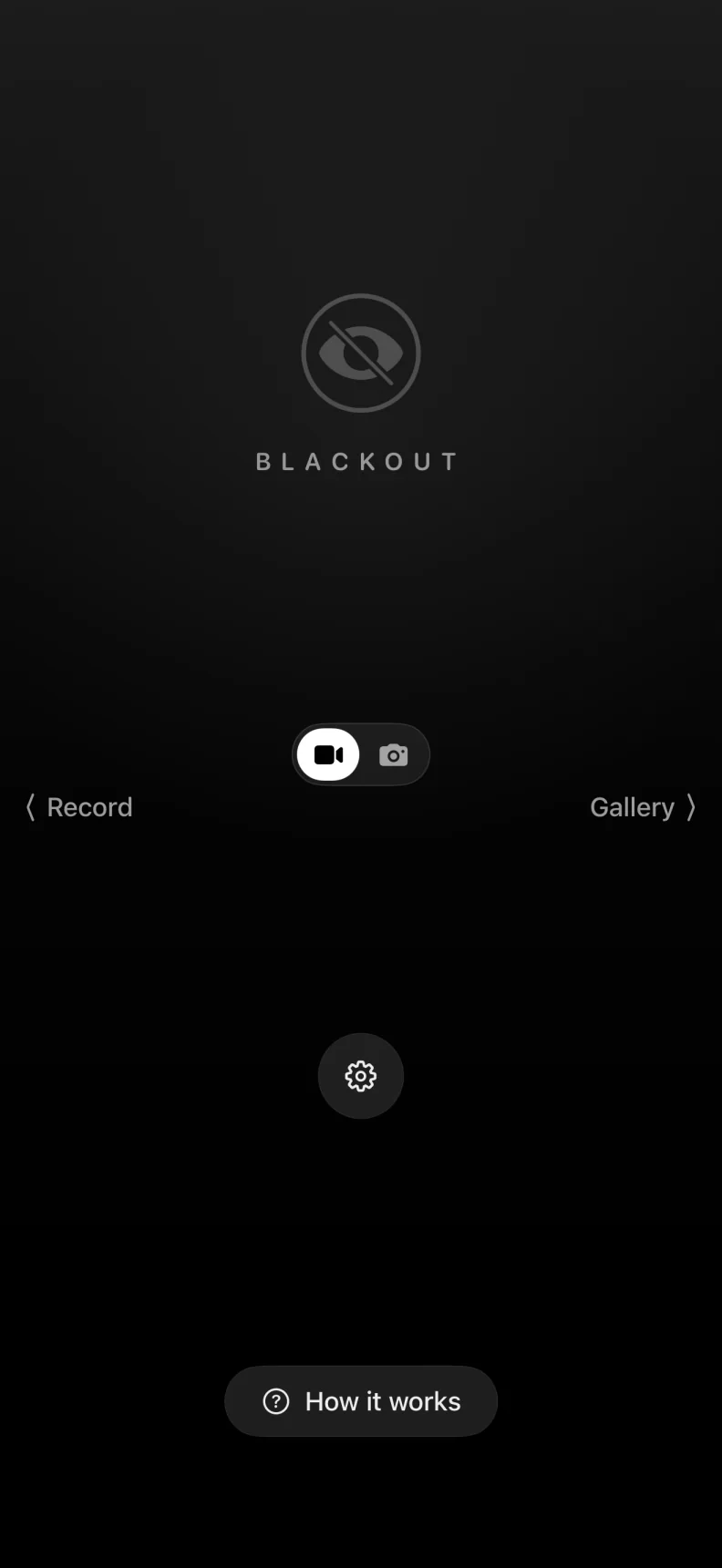
Start with free photo capture or select Premium video from one focused home screen.
Black screen camera for iPhone
Capture without the bright camera screen.
Take photos or record video behind a quiet black cover. Your media stays on-device until you choose to save, share, or export it.

The blackout screen
No bright preview and no glowing controls. Keep the display completely black, or selectively enable the timer, recording indicator, stop button, or live preview.
Optional controls stay hidden unless you decide to show them.
The real app
BlackOut keeps the main flow minimal, then puts detailed capture and privacy controls exactly where they belong. These are real screens from the iPhone app.
Start with free photo capture or select Premium video from one focused home screen.
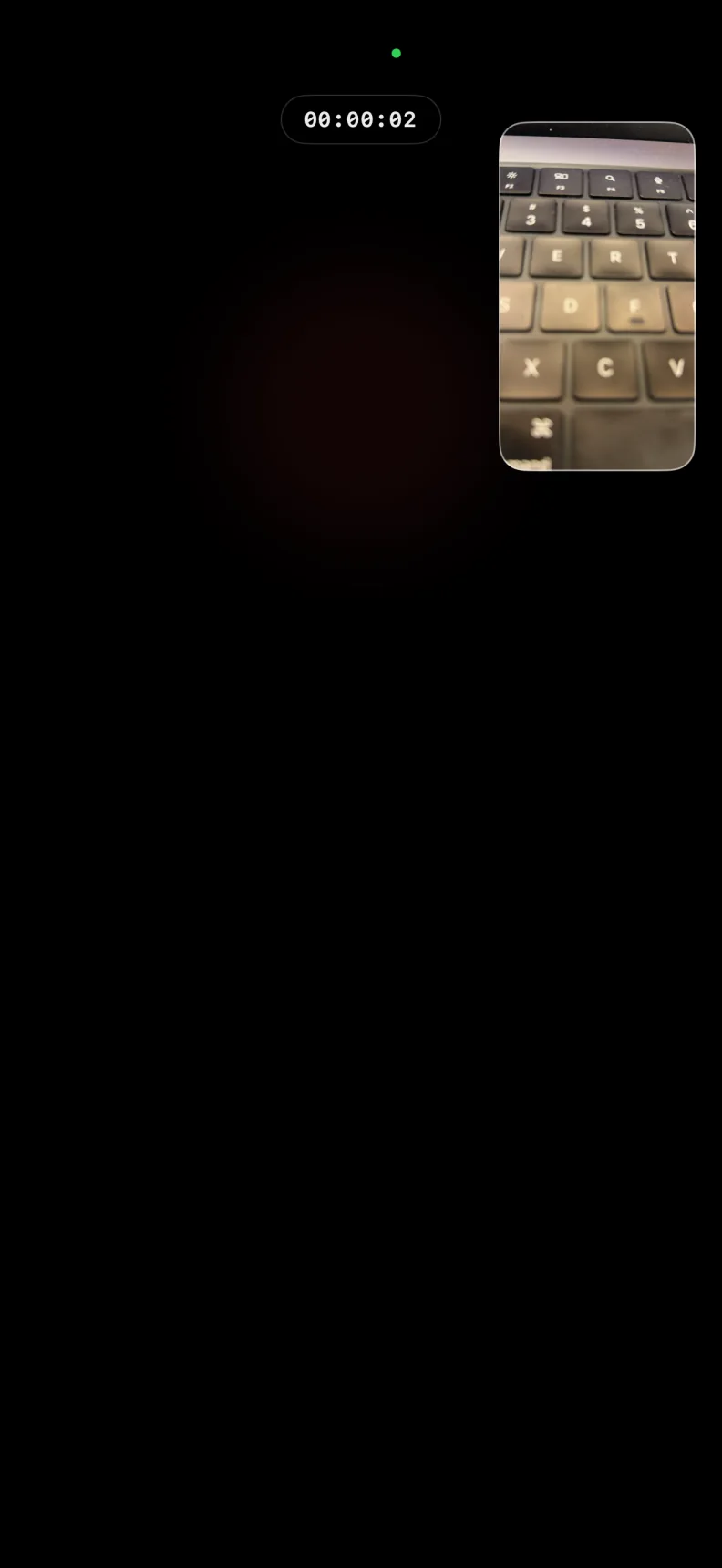
Keep the cover black or choose an optional timer, indicator, stop control, or live preview.
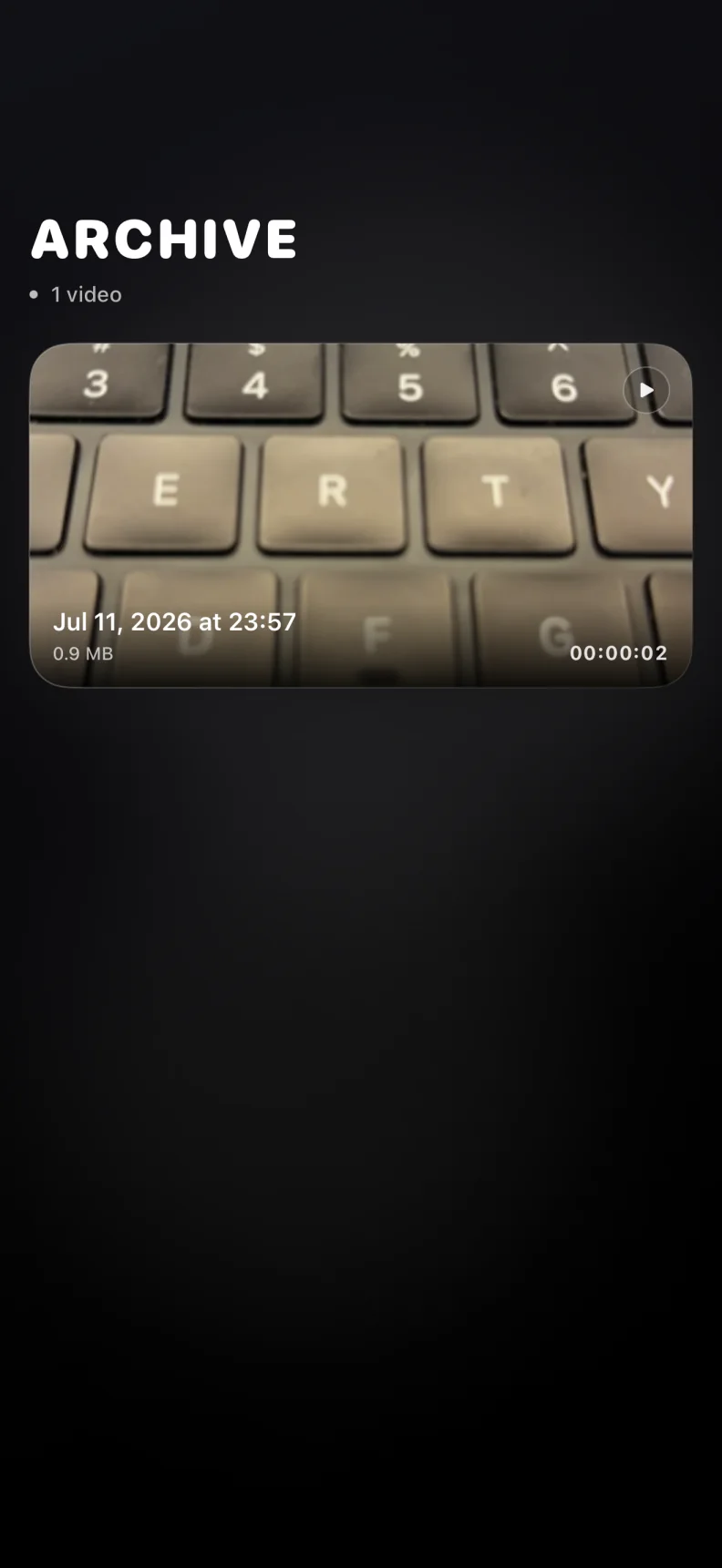
Open the local archive to review, share, save to Photos, or delete captured media.
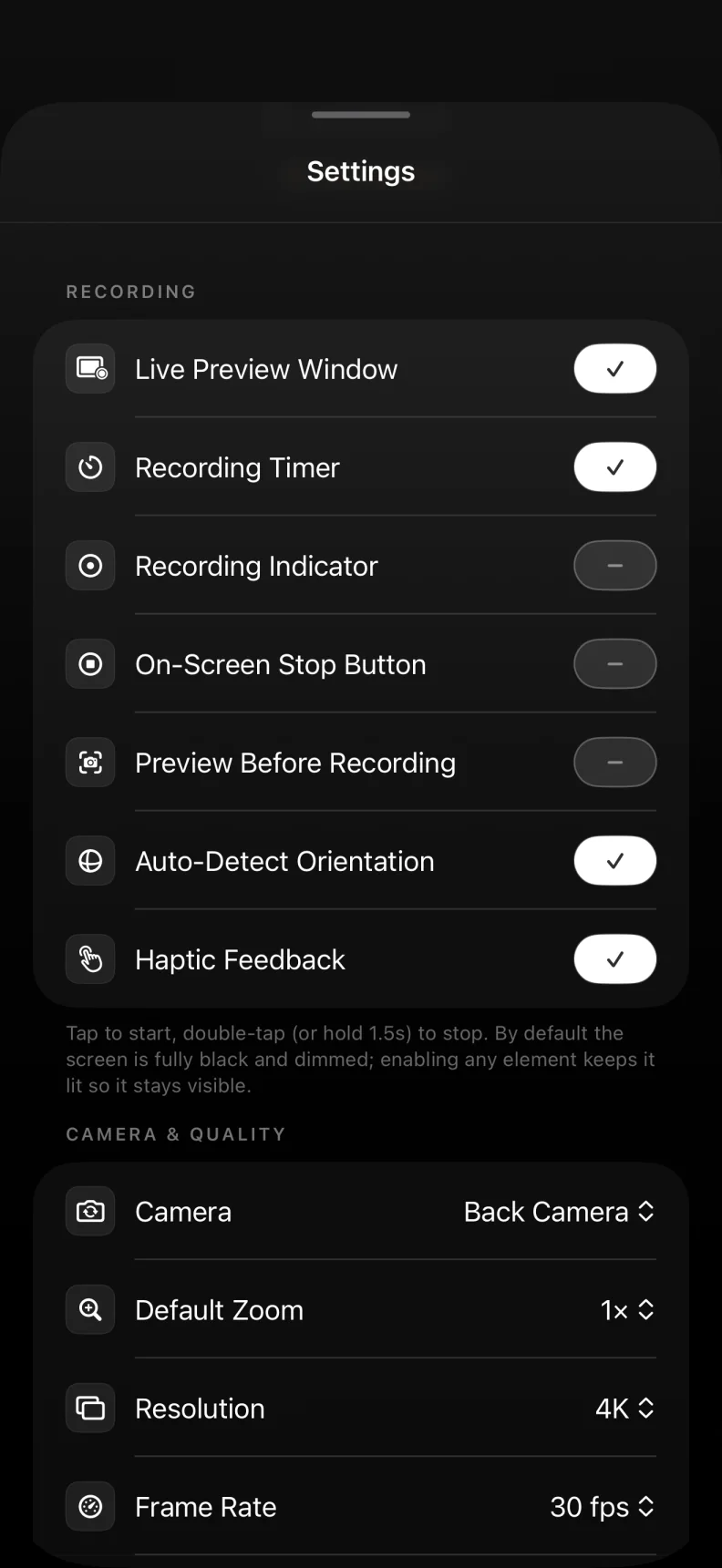
Tune supported cameras, zoom, quality, orientation, cover style, and gallery protection.
Quiet by design
Capture without leaving a bright live camera preview across the display.
Media stays in BlackOut until you choose to save, share, export, or delete it.
Recording works while BlackOut is open and active, keeping the capture flow direct and predictable.
Video and advanced controls unlock through a one-time purchase, not a subscription.
App Store
Open the App Store listing now or scan the QR code with another device. BlackOut Camera is available now for iPhone.
Open App StoreFAQ
BlackOut makes the screen quieter while remaining clear about capture, storage, availability, permissions, and Premium.
Yes. With Premium, BlackOut records video while showing a black cover instead of the usual live camera preview. The app must stay open in the foreground while recording.
Yes. With Premium, you can use a custom image as the full-screen cover while recording video instead of plain black. The image is stored locally on your device and can be replaced or removed in Settings at any time.
BlackOut is currently available only for iPhone on iOS. An Android version is not available at this time.
Keep your iPhone in Silent Mode for the quietest experience. Video recording does not play a capture sound, and BlackOut does not add start or stop sounds. Photo capture may still make a shutter sound depending on your device and region.
No. BlackOut displays a fully black cover while the app remains active. It does not lock the device and cannot record from the lock screen or in the background.
No. BlackOut is a foreground iPhone camera that uses a black or custom cover instead of a bright preview. The app must remain open and does not record after the phone is locked or the app moves to the background. Use it lawfully and obtain consent whenever required.
Captured media stays in BlackOut's local gallery by default. Nothing is uploaded automatically, and media appears in Photos only when you choose to save it there.
Photo capture with the main rear camera and access to the basic local gallery are free. Video recording and advanced capture controls require Premium.
Premium is a one-time purchase that unlocks video recording, supported quality and camera options, zoom and lens controls, custom covers, optional on-screen recording elements, and biometric gallery protection.